
How OwnWise works
Fix what you own, claim what you’re owed — without the guesswork
Fixing stuff is hard
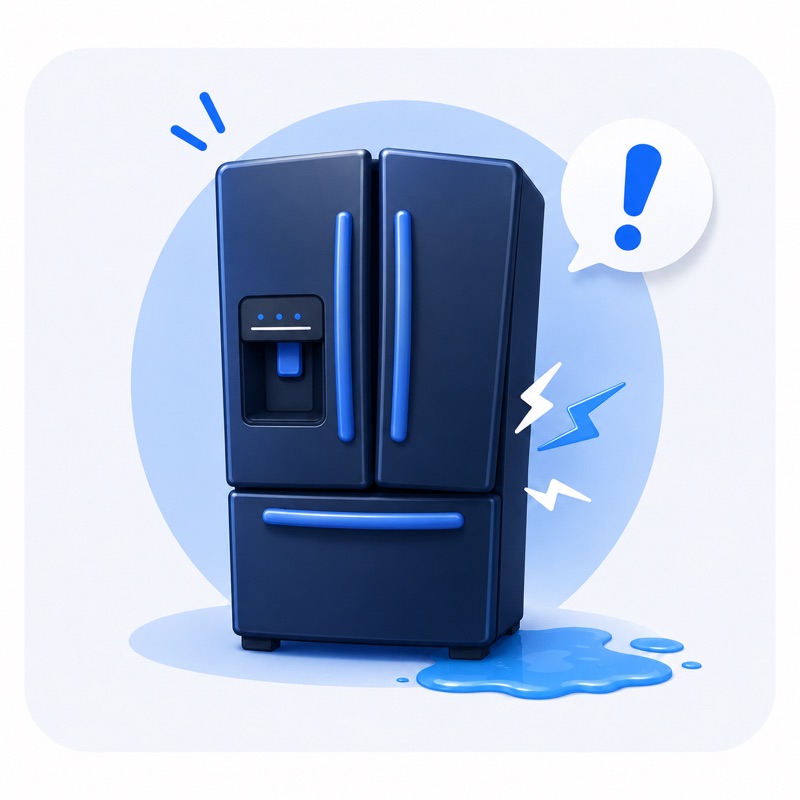
It broke
Many different possible causes.
 Not draining
 Leaking
 Loud noise
 Error code
 Door or latch issue
 Not starting
Is it covered?
Lots of paperwork and legalese.

Repair, replace, or call a pro?
Deciding whether to repair, replace, DIY, or call a pro is a complicated series of decisions that take time and carry short- and long-term costs.
- Can you repair a motherboard yourself?
- Do the parts and labor cost more than replacing it with a new appliance?
- Will your dryer last another 20 years — or 2 months?

There goes the day
- Time to figure out what’s wrong
- Time to search for service and cost options
- Time to read and fill out claims information
From “it broke” to “it’s handled”
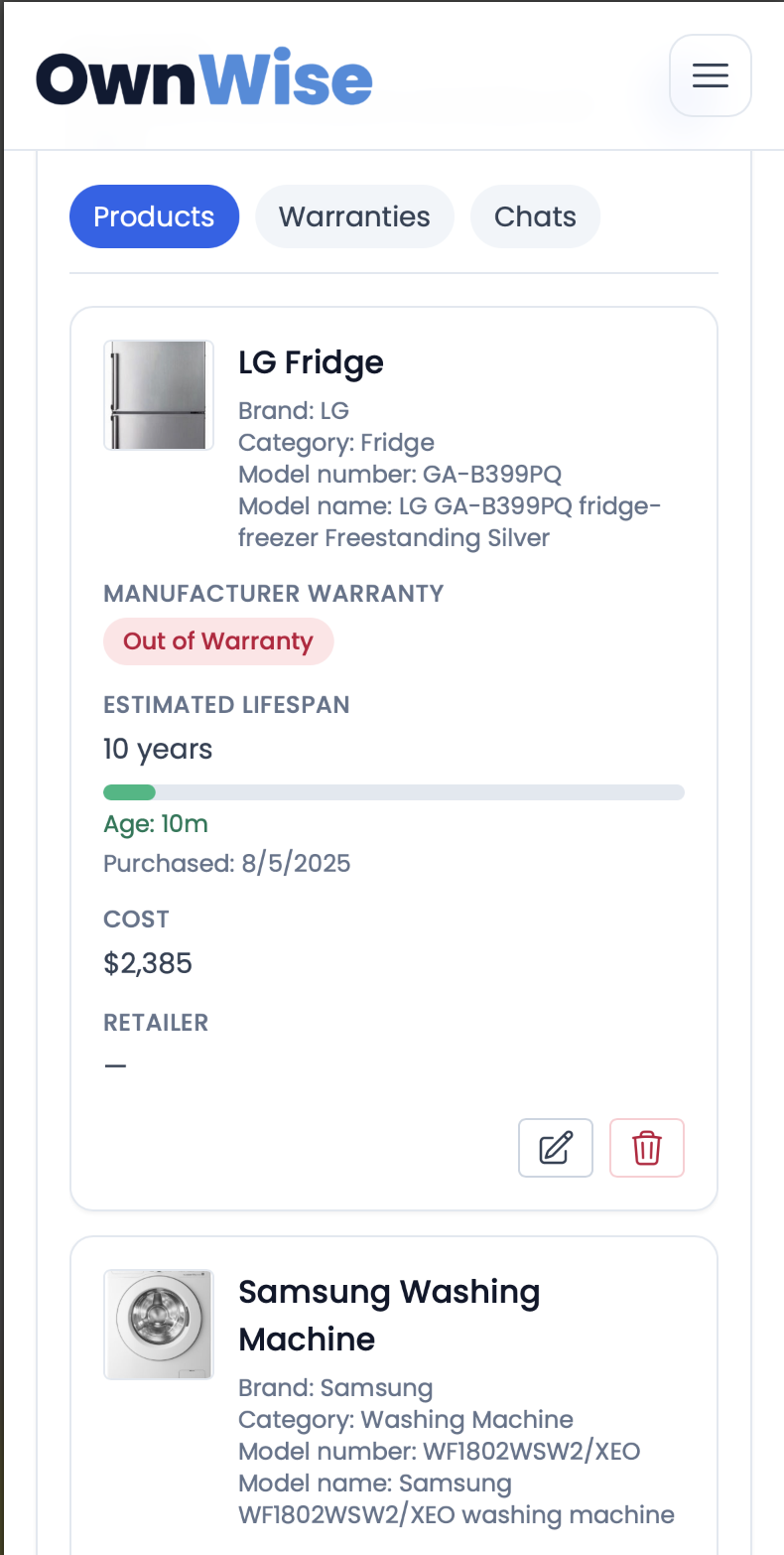
Add your stuff
Andy figures out the make, model, and purchase date — usually in under a minute.
Diagnose the problem
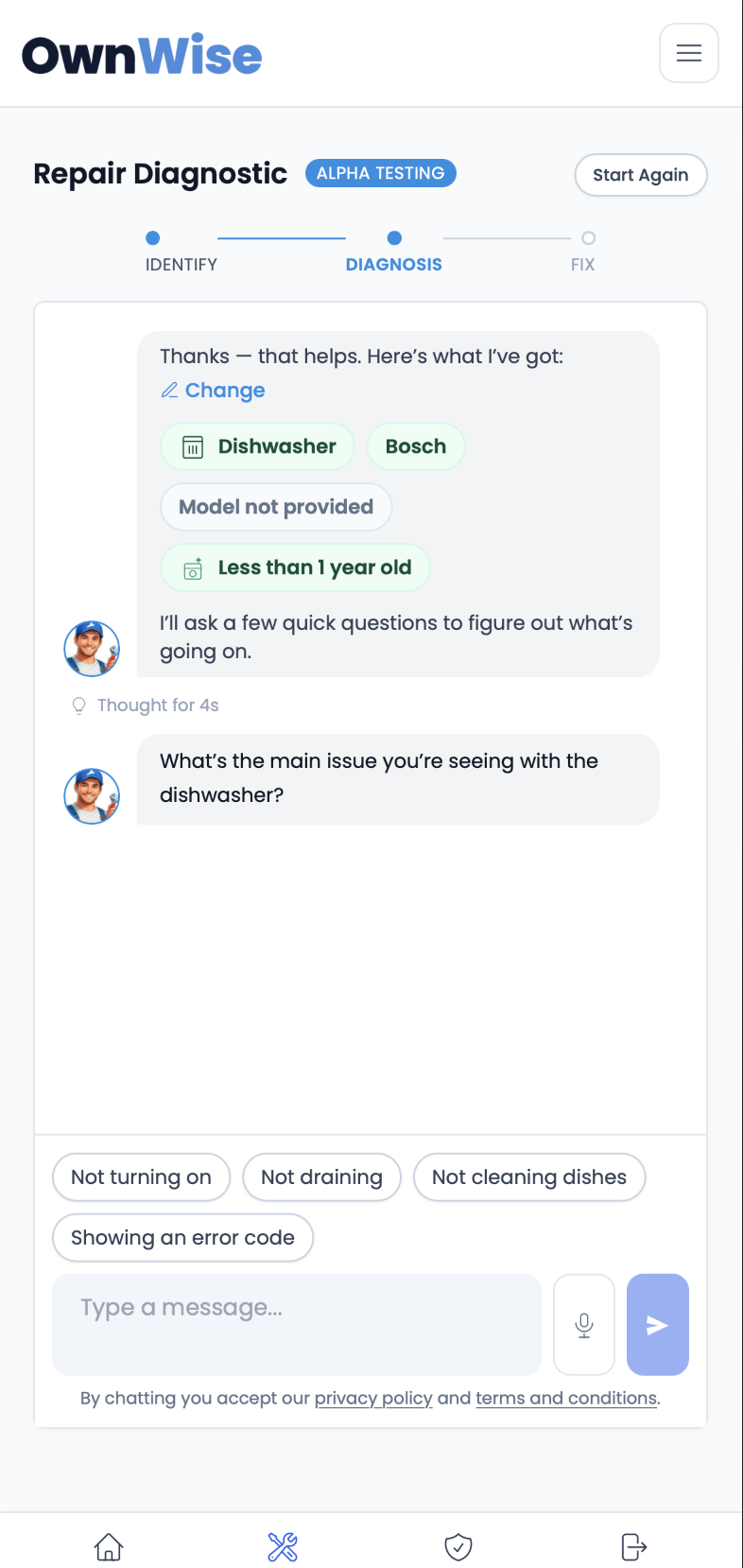
Tell us what’s wrong in plain words — an error code, a noise, a leak. The Repair Diagnostic walks you through the likely causes and what to check first.
Check your coverage
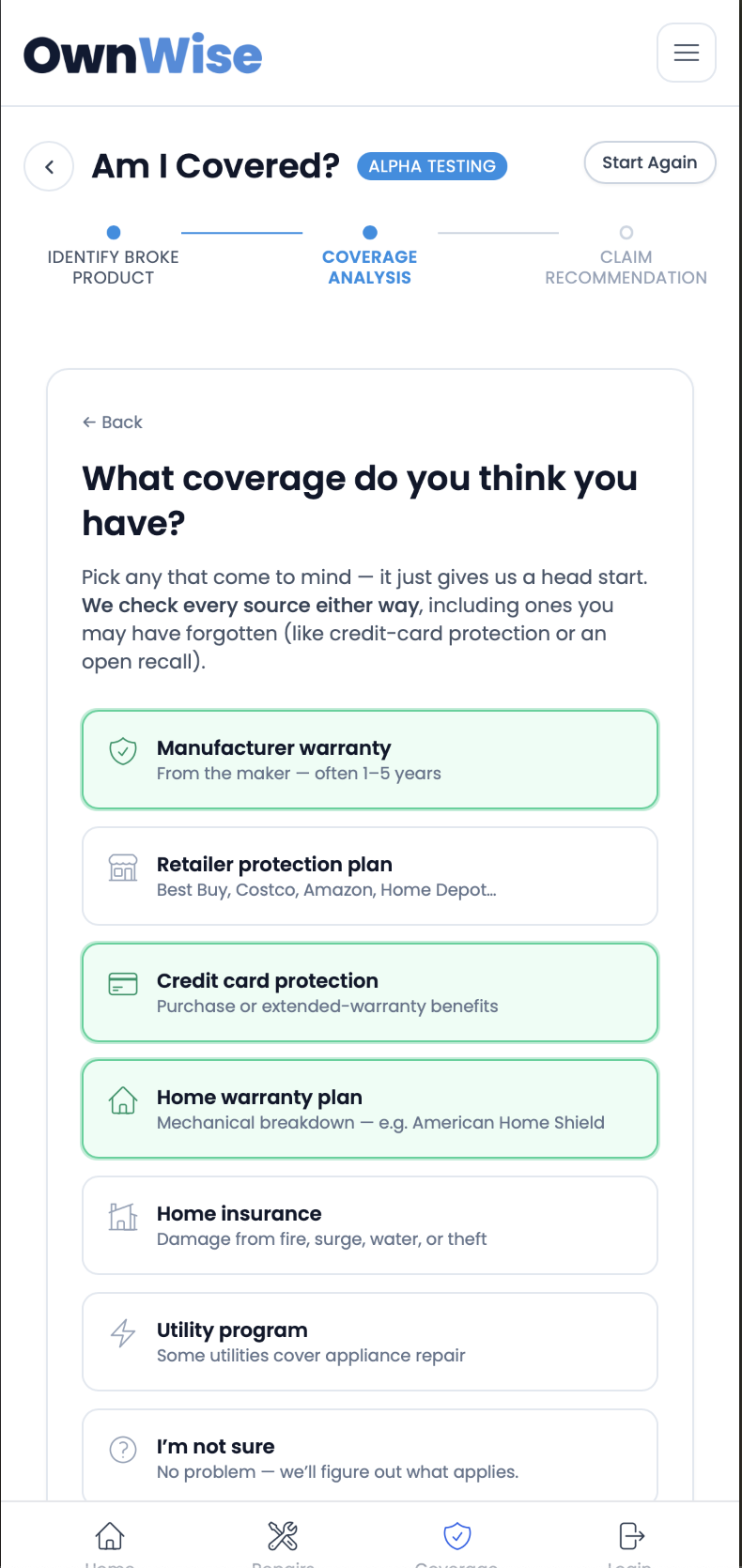
The Coverage Analyzer searches the warranties and protections you already have — manufacturer, credit card, retailer, home warranty, utility programs, and active recalls.
Fix it or claim it
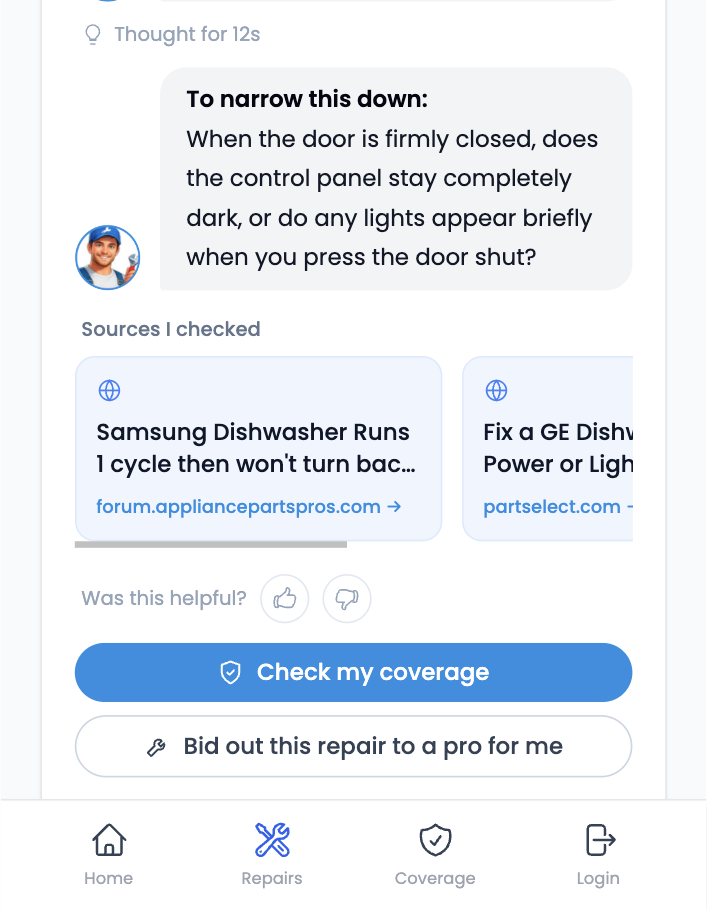
Follow a guided DIY fix when it’s safe, file a claim when you’re covered, or book a pro — but only when you truly need one.
Ready to stop overpaying for repairs?
Getting started is free. Add your appliances, check your coverage, and get a fix plan — before you call anyone.